Launching your first website can feel far more overwhelming than it appears. Between web hosting, domain names, CMS selection, security, design, SEO, and performance, many beginners get scattered—and make choices they regret months later.
Based on years of experience and observing dozens of projects fail or stall, here’s a simple, practical guide for anyone creating their first site—without unnecessary jargon.
The Golden Rule Before You Start
👉 Your first website doesn’t need to be perfect, but it must be healthy, fast, and scalable.
Most mistakes happen when beginners try to:
- Do everything too quickly
- Choose overly complex solutions
- Or settle for options that are too limited
The Essential Foundations of a Successful First Website
Before diving into content or design, it’s crucial to build a solid foundation. A slow, unstable, or poorly structured website discourages both visitors and search engines.
Here are the non-negotiable pillars every beginner should focus on:
- Reliable and simple web hosting
- An easy-to-use CMS
- Clear website structure
- Basic security enabled
- A long-term vision, even if modest
Key Recommendations for Beginners: At a Glance
| Key Element | Beginner Recommendation | Why It Matters | Common Mistake to Avoid |
|---|---|---|---|
| Website Type | Blog, portfolio, or small content site | Easy to manage, ideal for learning | Starting with overly complex projects |
| Hosting | Reliable shared hosting, scalable | Economical, stable, sufficient for starters | Picking the cheapest option without checking performance |
| Domain Name | Short, clear, easy to remember | Branding & credibility | Long or complicated domain names |
| CMS | Popular, well-documented CMS | Easy to learn, large community | Obscure or proprietary CMS |
| Theme / Design | Lightweight, responsive, clean | Fast loading & readability | Heavy or flashy “bling-bling” themes |
| Site Speed | Fast from the start | SEO and user experience | Ignoring performance at launch |
| Basic Security | SSL certificate + backups | Minimal protection | “I’ll deal with it later” mindset |
| Content | Few but useful pages | Quality > quantity | Publishing empty or low-value pages |
| Basic SEO | Clear titles, logical structure | Long-term visibility | Chasing SEO hacks |
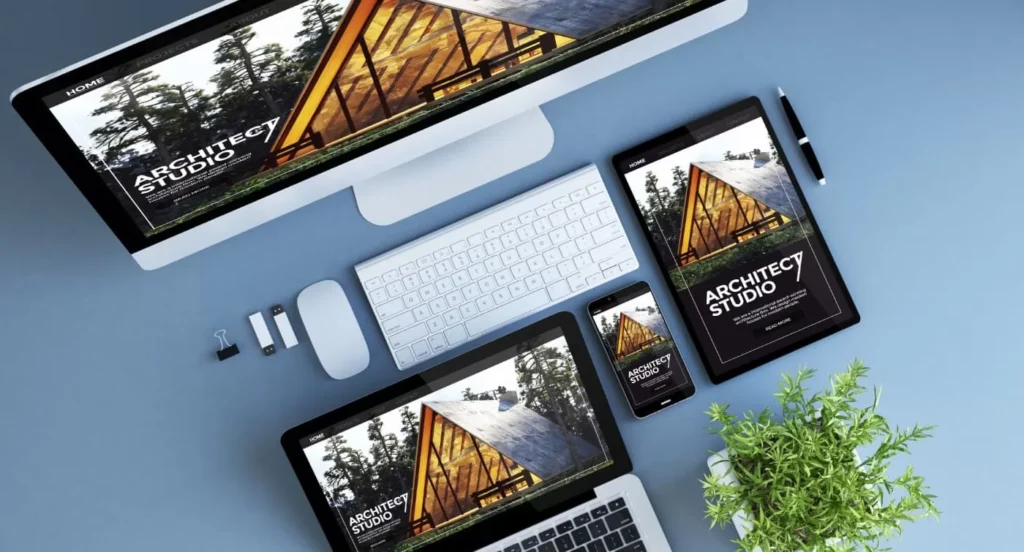
| Mobile | Top priority | Most traffic is mobile | Focusing on desktop first |
| Site Goal | Clear from the start | Guides all decisions | Building a “site with no purpose” |
| Scalability | Easy upgrade path | The site will grow | Choosing a limiting platform |
| Budget | Moderate but thoughtful | Best ROI | Spending everything on design |
Practical Advice for Beginners
Start Simple but Clean
A site with 4–6 well-built pages, readable design, and fast load times will always outperform a complex but poorly executed site.
Think Long-Term From Day One
Even for a modest project:
- Choose a solution that can grow with you
- Avoid closed or overly restrictive platforms
- Maintain control of your website
Learn as You Go
Your first site is often a learning platform and a foundation for future projects. It’s better to understand what you’re doing than to delegate or automate too early.
Common Mistakes I See Beginners Make
- Copying “miracle recipes” from the internet
- Choosing unstable hosting and later needing a migration
- Installing too many unnecessary plugins
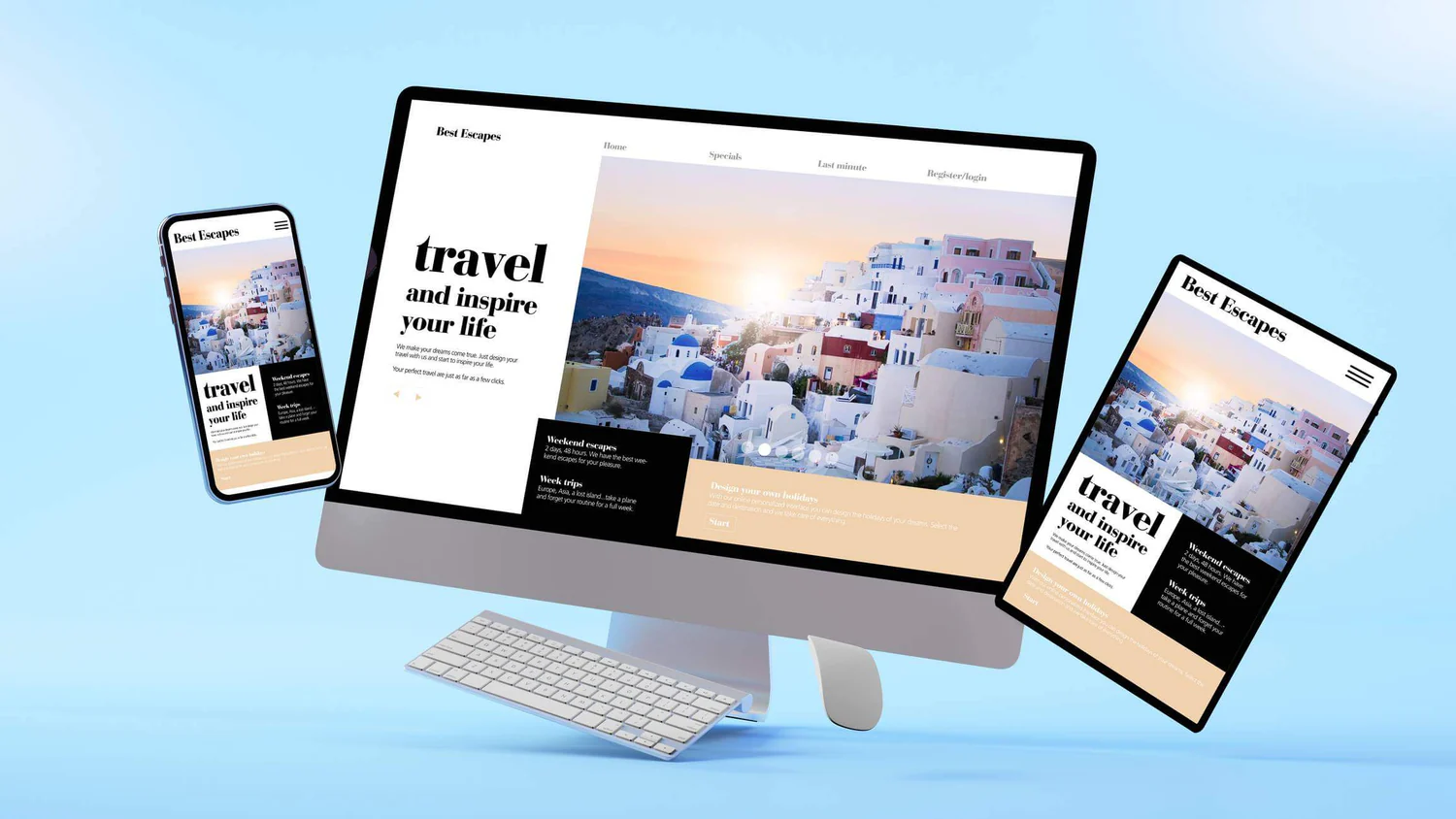
- Ignoring mobile optimization
- Prioritizing design over content
- Assuming traffic will come automatically
A successful site is built gradually, not over a single weekend.
Final Advice (Most Important)
👉 Your first website should be a tool, not an ego showcase.
If it is:
- Fast
- Clear
- Useful
- Scalable
…then you’re already ahead of most beginners.